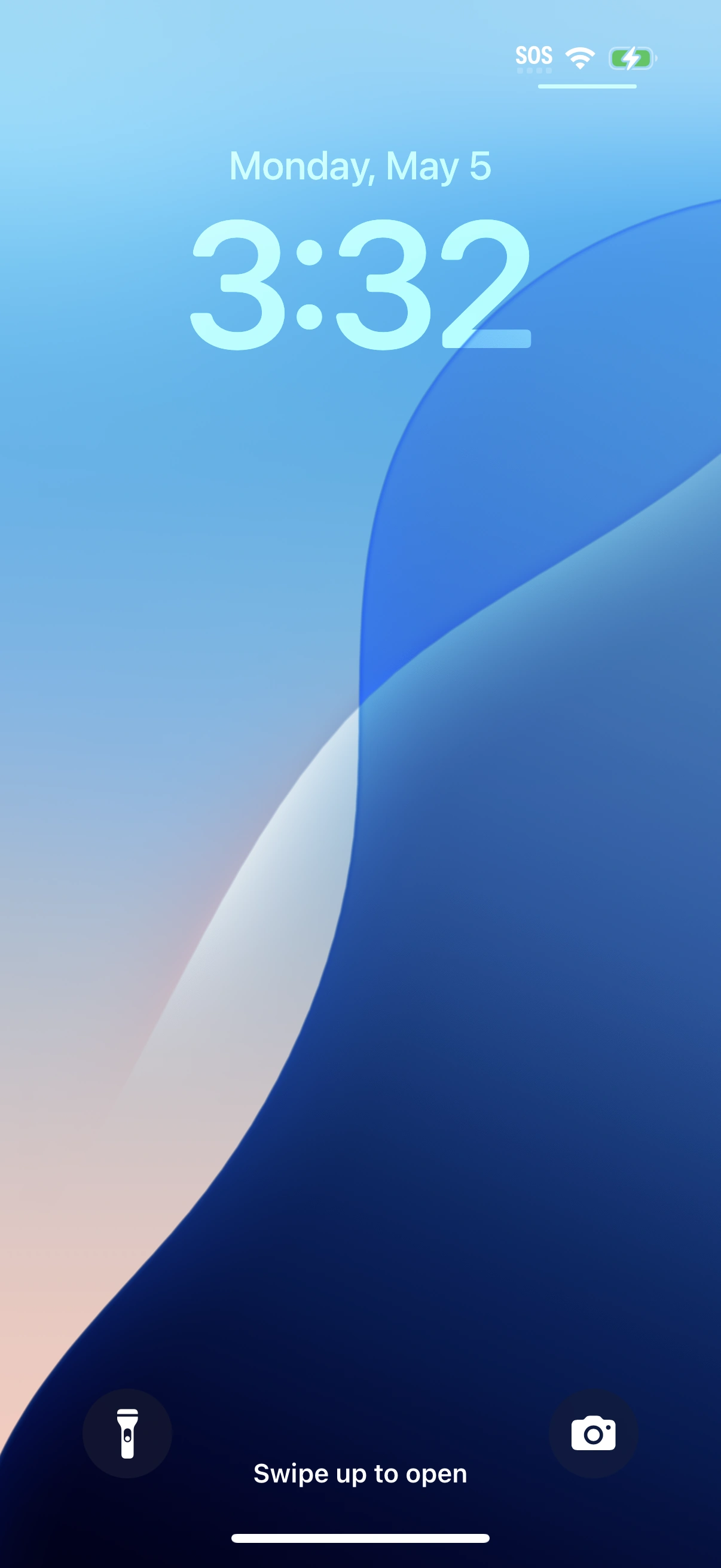
The default Lock Screen of iOS 18 from an iPhone 16 Pro
The Lock Screen is the first screen presented to a user before access is granted to an iOS or iPadOS device. If a passcode is set, the data on the device will be encrypted and a 4 or 6-digit numeric password will be required.[1] Face ID and Touch ID can be used to unlock devices that support biometric identification.[2]
History
Starting with iOS 10 in 2016, an Apple device without a passcode will present "Press Home to unlock" instead of "Slide to unlock".[3]
In 2022, iOS 16 added the ability to customize the Lock Screen with TrueDepth images and widgets.[4]
Image

iOS 26 default Lock Screen on an iPhone 17 Pro

iPadOS 26 default Lock Screen from an iPad mini 7th generation
Video gallery
References
- ↑ Lock screen, The iPhone Wiki. Accessed 2020-12-19.
- ↑ Use a passcode with your iPhone, iPad, or iPod touch, Apple Inc. 2019-10-15.
- ↑ iOS 10: Where’s Slide to Unlock? How to Disable “Press Home to Unlock” in iOS 10 by Paul Horowitz, OS X Daily. 2016-09-15.
- ↑ Apple unveils an all-new Lock Screen experience and new ways to share and communicate in iOS 16, Apple Inc. 2022-06-06.
External links
- Access features from the iPhone Lock Screen at Apple Support
- Lock screen at The iPhone Wiki
- Lock screen at Wikipedia
Articles
- How to customize your Lock screen on iPhone and iPad by Joseph Keller and Rene Ritchie at iMore (2020-02-20)

