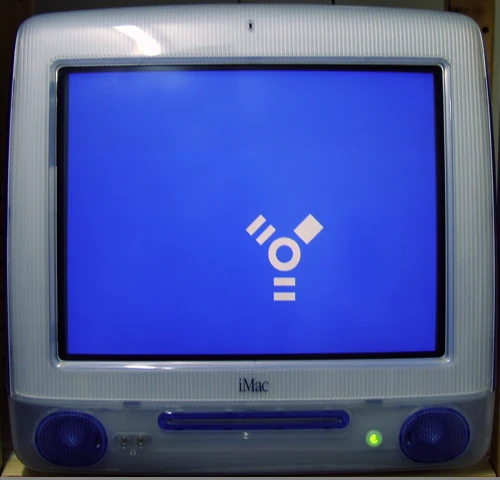

Target disk mode (TDM) is a bootup option on Macintosh computers. It allows a computer in target disk mode to be mounted as an external hard drive by another computer over FireWire or Thunderbolt.
It is accessed by holding the "T" key on the keyboard during computer startup. Some models allow the host computer to use the external drives connected to the target Mac or even use its optical drive.[1]
History
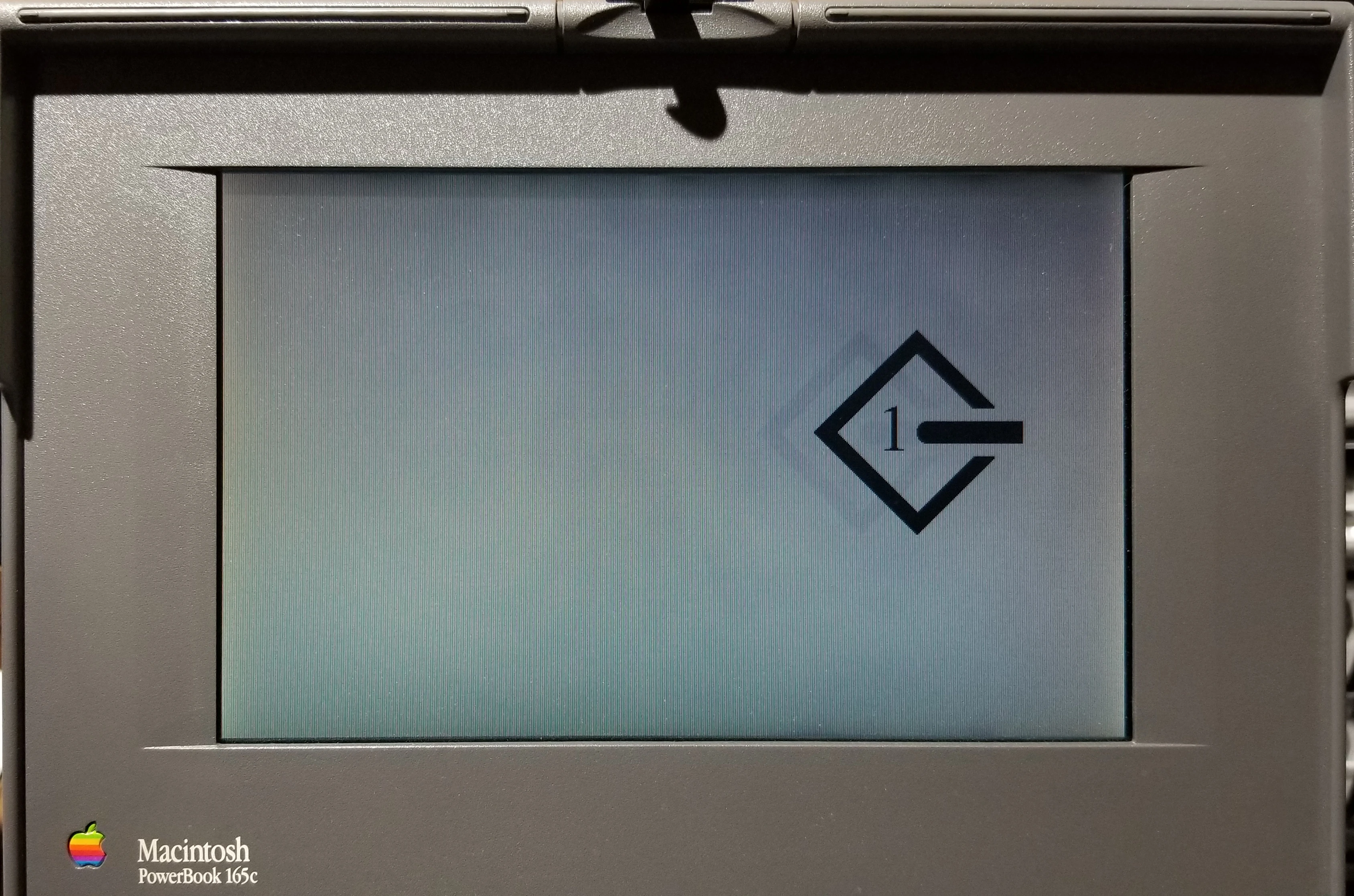

SCSI Disk Mode on a PowerBook 165c
Target disk mode was originally introduced in October 1991 as SCSI Disk Mode in the PowerBook 100, designed for Apple Computer by Sony. However, it was not supported by other early PowerBook models designed by Apple (such as the PowerBook 140, 145, 145B, 150, and 170). SCSI Disk Mode appeared in the PowerBook 160 and 180 in October 1992 and was supported by most subsequent PowerBook designs until SCSI drives were phased out in favor of IDE drives in the PowerBook 190, which used HD Target Mode to convert IDE signals over the external SCSI port. This was superseded by target disk mode as the external SCSI port was phased out in favor of FireWire in 2000 with the "Pismo" PowerBook G3.[2]
Supported interfaces
- FireWire
- SCSI
- Thunderbolt
- USB 3.0 (or later, built into logic board)
Deprecation
In the transition to Apple Silicon, starting in November 2020 with Macs with the Apple M1 processor, target disk mode was replaced with Mac Sharing Mode.[3][4]
References
- ↑ Borrow an optical drive from another Mac by Rob Griffiths, Macworld. 2007-03-26.
- ↑ SCSI Disk Mode, 68k Macintosh Liberation Army Wiki. Accessed 2020-10-06.
- ↑ Apple Silicon Macs will offer new macOS Recovery options, replace Target Disk Mode with Sharing Mode by Chance Miller, 9to5Mac. 2020-06-24.
- ↑ Transfer files between a Mac with Apple silicon and another Mac, Apple Inc. Accessed 2021-03-26.
See also
External links
- Transfer files between two Mac computers using target disk mode at Apple Support
- PowerBook 1xx SCSI Disk Mode by Devon Hubner
- SCSI and FireWire Disk Modes by Paulo Rodrigues at Low End Mac (2000-11-29)
- Target Disk Mode at TechTerms
- Target disk mode at Wikipedia