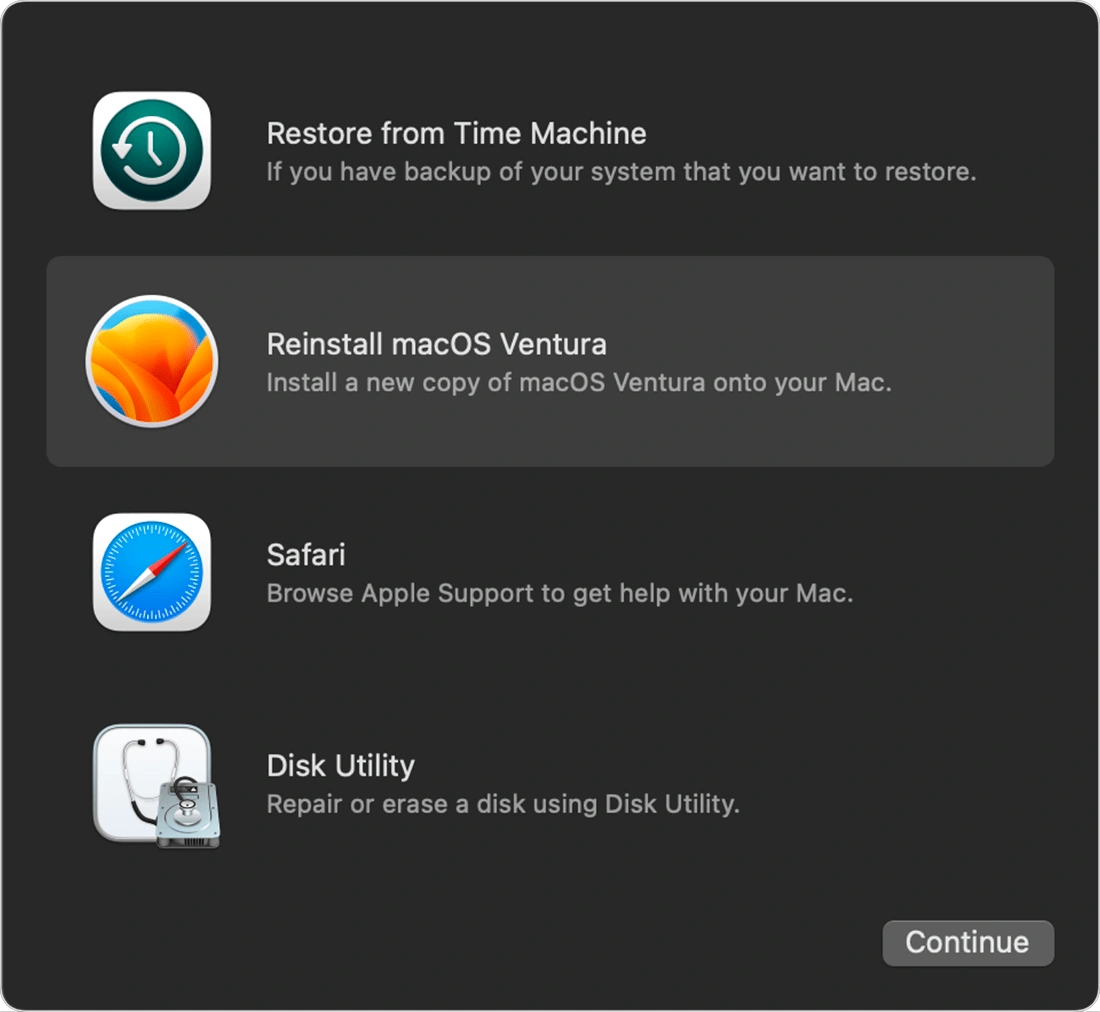
macOS Recovery options in macOS Ventura (version 13).
macOS Recovery, also known as macOS Base System and formerly known as Mac Recovery Mode, is an option available to users of recent versions of macOS or OS X in case a problem renders their Mac unbootable.[1][2]
Starting up in recovery mode
- Macs with Intel processors: Hold down the command and R keys during startup until the Apple logo appears and then wait for the onscreen options.[3]
- Macs with Apple processors: Continue holding down the power button during startup until the startup options appears and then click the gear icon labeled "Options".[4]
Recovery options
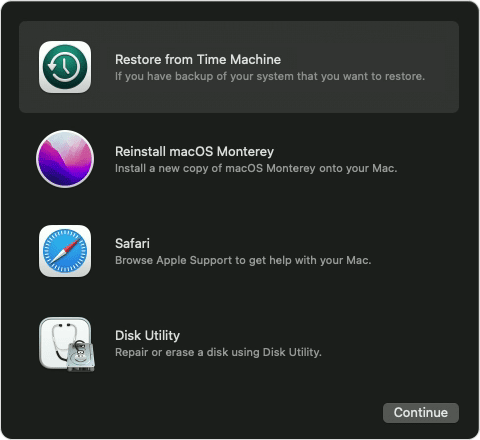
macOS Recovery options in macOS Monterey (version 12).
When invoked, the Mac will either load recoveryOS from a hidden recovery partition (or volume) on the startup drive,[1][5] or download it over the Internet from an Apple server to bring up the following options:[6]
- Restore from a Time Machine backup.
- Reinstall macOS on the startup volume.
- Safari, to browse Apple Support and get help online.
- Disk Utility, to repair or erase a drive.
Earlier versions of the mode included the following additional utilities:[7]
- Firmware Password Utility
- Network Utility
- Terminal
- Startup Disk
History
Mac Recovery Mode was first introduced in 2011 with Mac OS X 10.7 (Lion) and was stored in a hidden HFS Plus partition. The mode would bring up a window of options, titled "Mac OS X Utilities", later "OS X Utilties" and "macOS Utilities", before being replaced by a simpler untitled palette.[2][7] Starting with the introduction of APFS in macOS High Sierra (10.13) in 2017, the "Recovery HD" was stored in a hidden volume instead of a partition.[5]
References
- ↑ 1.0 1.1 How to reinstall macOS, Apple Support. 2021-10-25.
- ↑ 2.0 2.1 How to use Mac Recovery Mode by Karen Haslam, Macworld UK. 2021-02-02.
- ↑ Use macOS Recovery on an Intel-based Mac, Apple Support. Accessed 2021-10-25.
- ↑ Use macOS Recovery on a Mac with Apple silicon, Apple Support. Accessed 2021-10-25.
- ↑ 5.0 5.1 Cloning Apple's Recovery HD partition, Bombich Software. 2020-12-12.
- ↑ Revive and restore Apple devices, Apple Support. Accessed 2021-10-25.
- ↑ 7.0 7.1 Mac OS X Lion Adds Recovery Partition Support by David W. Martin, Cult of Mac. 2011-02-25.
See also
- Internet Recovery, if the recovery volume is unavailable or corrupted.
- Recovery mode, for iOS and iPadOS devices.
External links
- Intro to macOS Recovery at Apple Support
- How to reinstall macOS (2022-12-13)
- If you can't start up from macOS Recovery (2022-10-24)