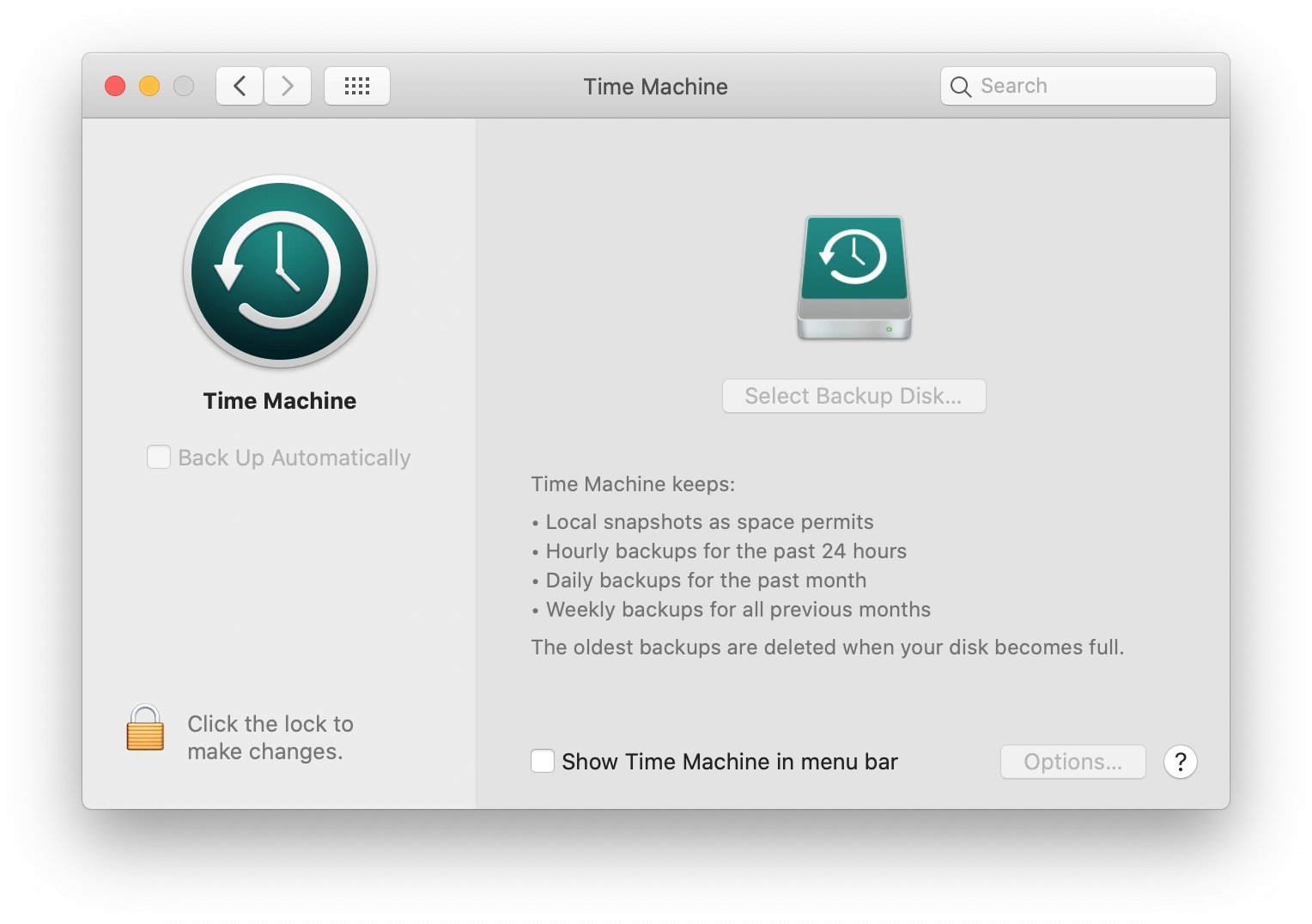
The QuickTime preferences pane in macOS 10.15
The Time Machine pane of the System Preferences in Mac OS X was developed by Apple to allow users to customize the settings of the Time Machine backup utility on their Mac.
History
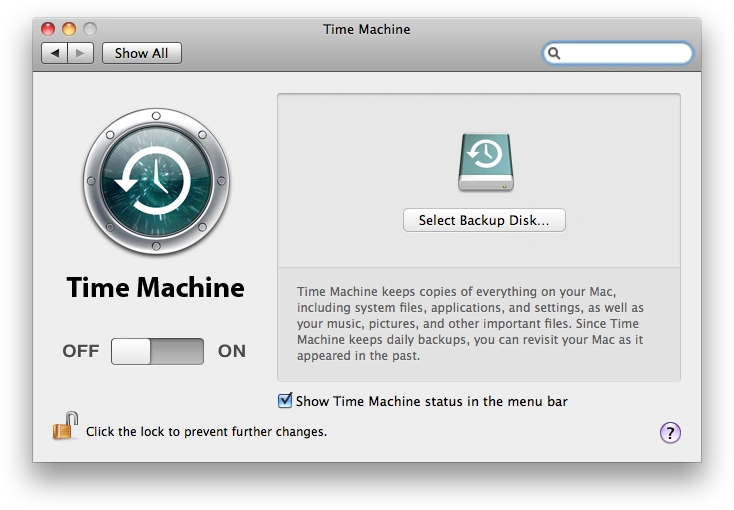
The QuickTime preferences pane in Mac OS X 10.6.8
Time Machine was introduced in October 2007 as a standard feature of Mac OS X 10.5 (Leopard), replacing the simple Backup utility included with earlier versions of Mac OS X. The dedicated preference pane includes some basic features which have not changed much since its introduction, such as enabling automatic backups, selecting a backup drive, and adding a Time Machine menu to the manu bar.[1]
References
- ↑ Mac OS X Leopard: Time Machine, Apple Inc. Archived 2007-10-16.
External links


 System Preferences System Preferences
|
|---|
|
|
| Notes: Items in gray indicate panes of System Preferences that were merged or renamed. Items in |